MyThumbTester guide
How do you check a downloaded thumbnail in Watch page main and Up next?
MyThumbTester renders the same local image in a larger Watch main frame and a smaller Up next frame for a crop check.
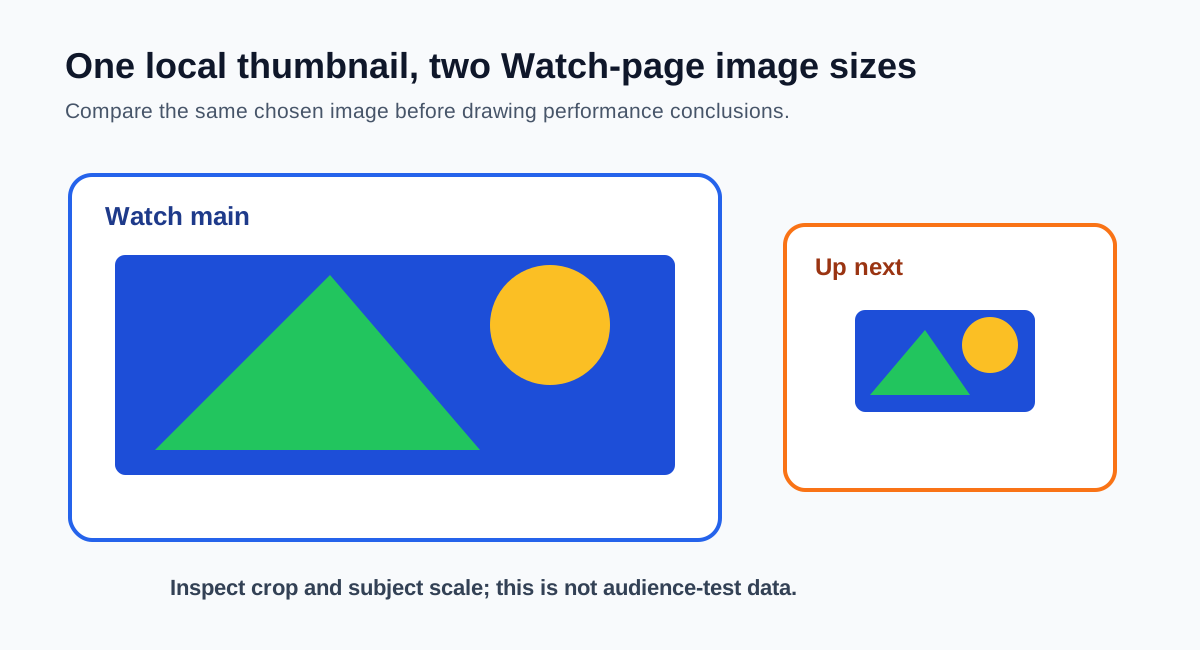
Use the Watch layout to inspect the same image at two fixed crop sizes
Load a downloaded or local thumbnail, choose Watch page, and inspect the same image in MyThumbTester’s larger Watch main frame and smaller Up next frame. A face, label, or edge detail can remain visible in the main card yet become less useful in the smaller card. This is a reproducible crop-and-scale check. It is not a prediction of click-through rate, ranking, distribution, or views.
Keep the image fixed while you compare the two frames, then export the Watch preview PNG if you need a record of the exact local image, title, and layout you reviewed.
What this local comparison cannot establish
The two illustrative frames do not prove how YouTube will render every surface, whether the image is licensed for reuse, or which version viewers will choose. They provide a controlled local check of one chosen image across two implemented Watch-page sizes.